PDFDesigned
Client research plan
Presentation-ready PDF
Branded pages, balanced typography and page-aware tables—without a print dialogue.
Turn ChatGPT, Gemini, Claude and Grok conversations into polished files you can keep, edit and share—without sending them through another cloud.
 ChatKeeprPrivate AI Exporter
ChatKeepr understands the shape of a useful conversation—speaker turns, headings, lists, code and real tables—then gives each format the treatment it deserves.
Branded pages, balanced typography and page-aware tables—without a print dialogue.
Edit the content, restyle it or send it straight into an existing workflow.
# Project notes

## What matters
- Local processing
- Clean tables
- Useful headings

| Plan | Owner |
| --- | --- |Portable structured text for notes, repositories, knowledge bases and publishing.
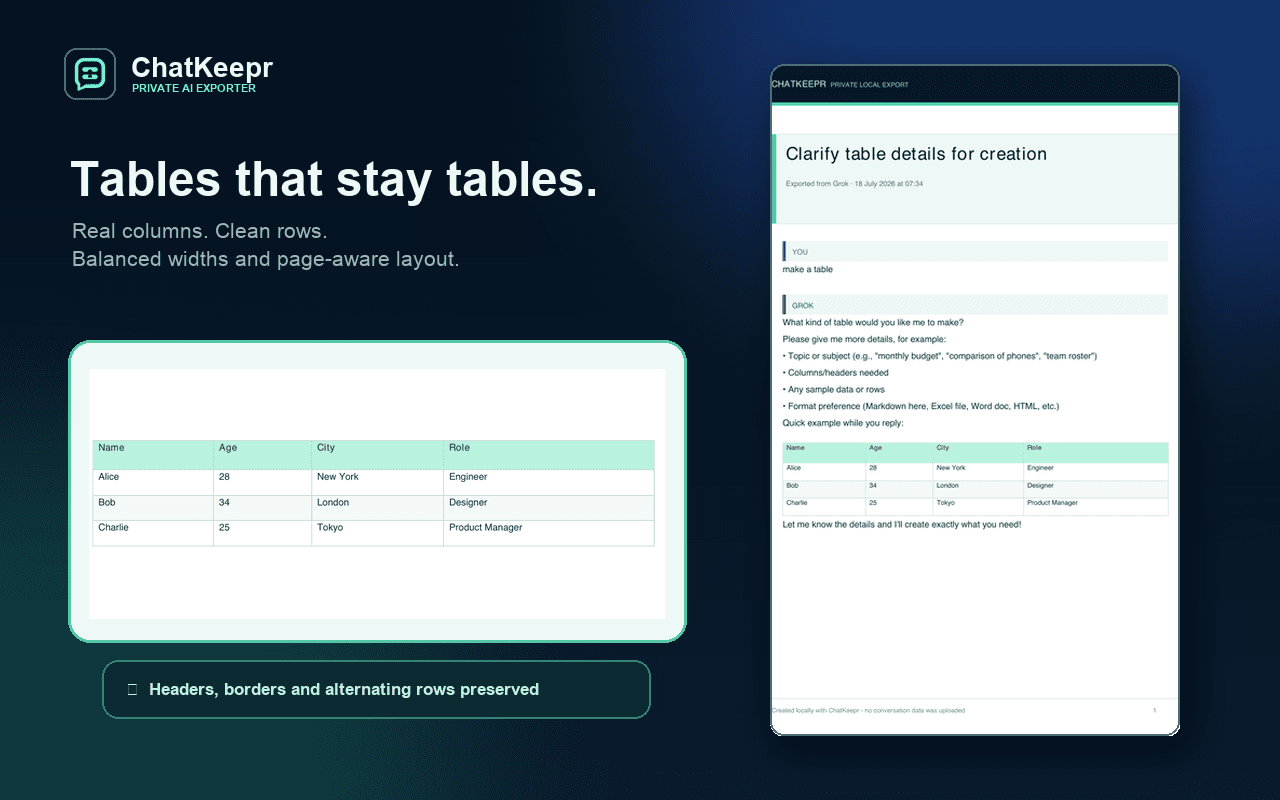
ChatKeepr does not flatten carefully researched data into a wall of pipes and prose. It preserves columns, headers, borders and alternating rows in the formats that support them.
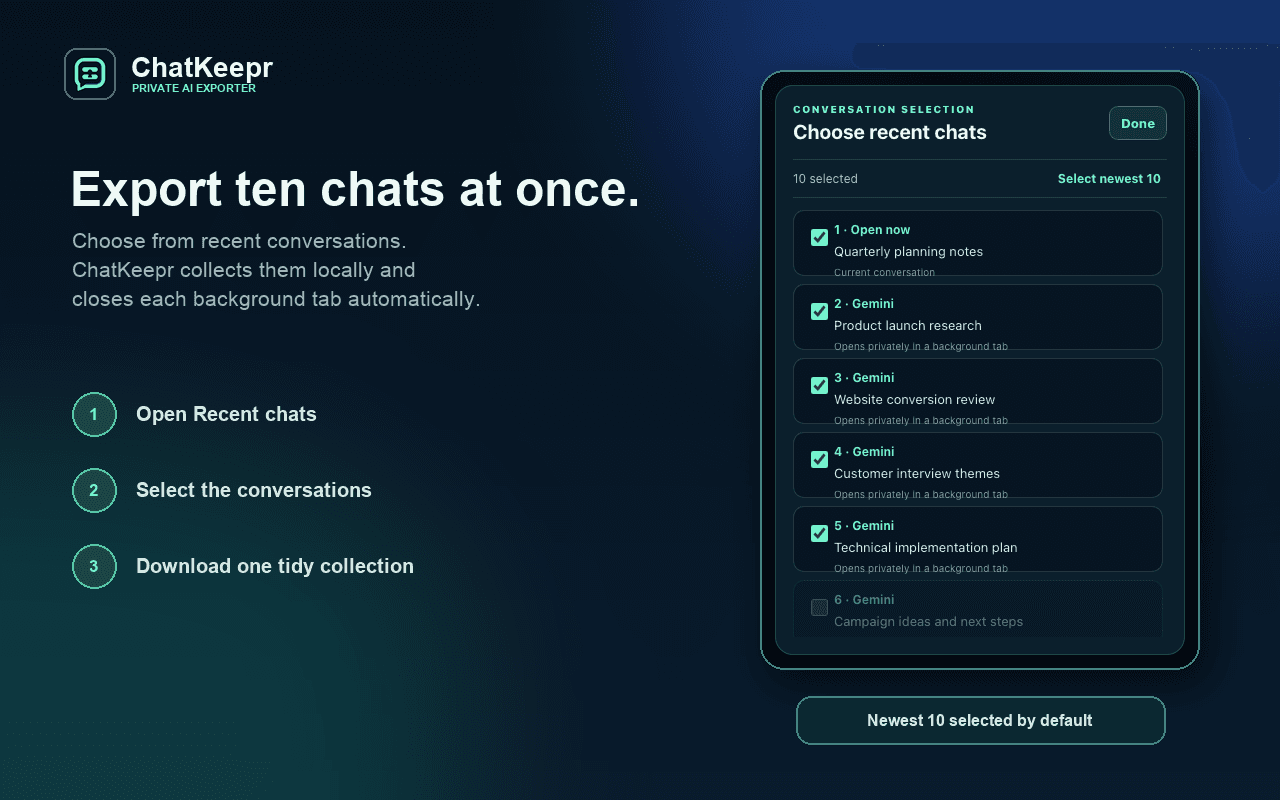
Export the conversation in front of you, select individual messages, or choose a recent collection. ChatKeepr opens the conversations you selected in inactive tabs, reads them locally and closes them automatically.
ChatKeepr is built around a deliberately small trust boundary. The extension reads only after you ask it to, generates the file inside your browser and hands it directly to Chrome's downloads system.
Read the full privacy policy →developer serversConversation text is never sent to ChatKeepr.
ChatKeepr launches as a complete local exporter. A paid Plus edition can add workflow features later without weakening the privacy promise.
while ChatKeepr launches
The complete local exporter you can use today.
pricing announced before release
For people turning AI conversations into repeatable work.
No payment is taken today. Future paid features will be described and priced clearly before purchase.
No. The extension creates PDF, Word and Markdown files locally. It has no ChatKeepr account, developer server, analytics or cloud converter.
ChatGPT and Gemini are the primary compatibility targets. Claude and Grok have dedicated support too.
Yes. Recent chats lets you select several conversations, with the newest ten selected by default, and export one organised collection.
Yes. Tables become native Word tables in DOCX, proper Markdown tables in .md, and designed page-aware tables in PDF.
ChatKeepr was built by Graeme, who also runs Ayrshire Tech Help, his computer repair and home tech support business in Ayrshire, Scotland. His work spans building software and helping people solve everyday computer problems.
Polished local exports for the AI conversations worth returning to.
Add to Chrome